 Science DiagramBETA v0.2
Turn the concept in your head
into a classroom-ready diagram.
For research papers, assignments and lessons — describe the diagram you need and get a fully labeled, publication-ready figure in seconds. Every label is editable, so nothing is wrong where it matters.
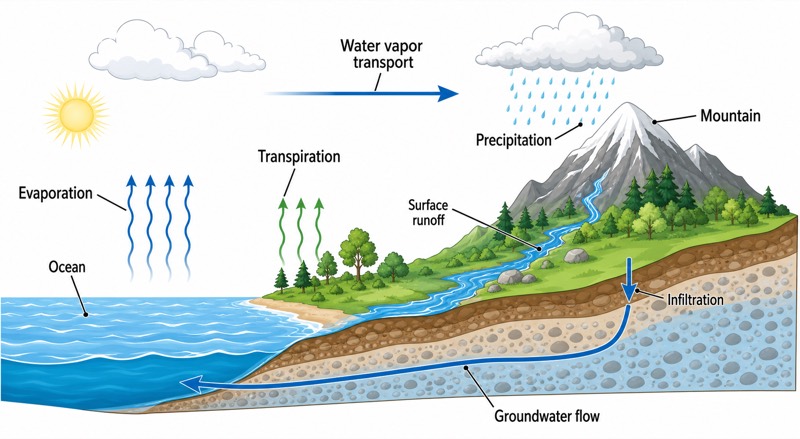 OUTPUT · 16:9 · PNG
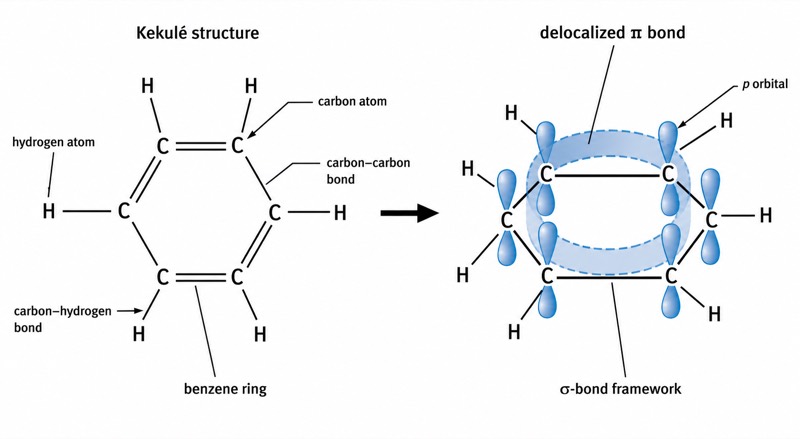
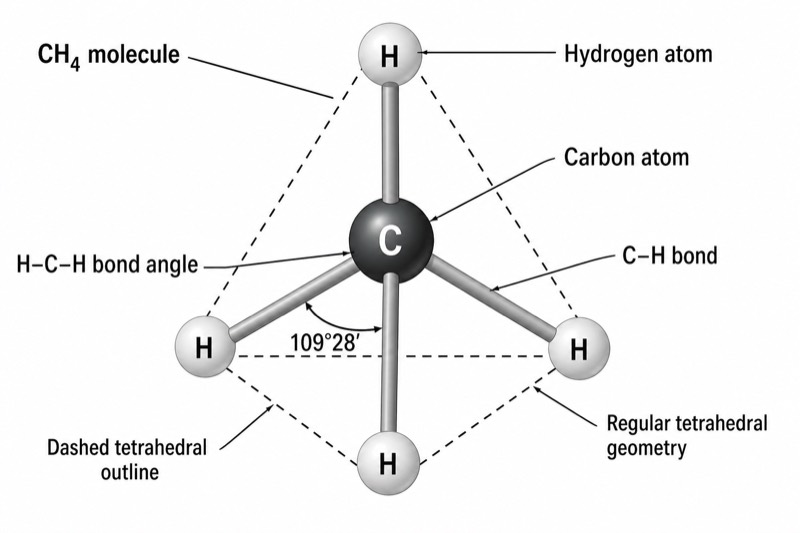
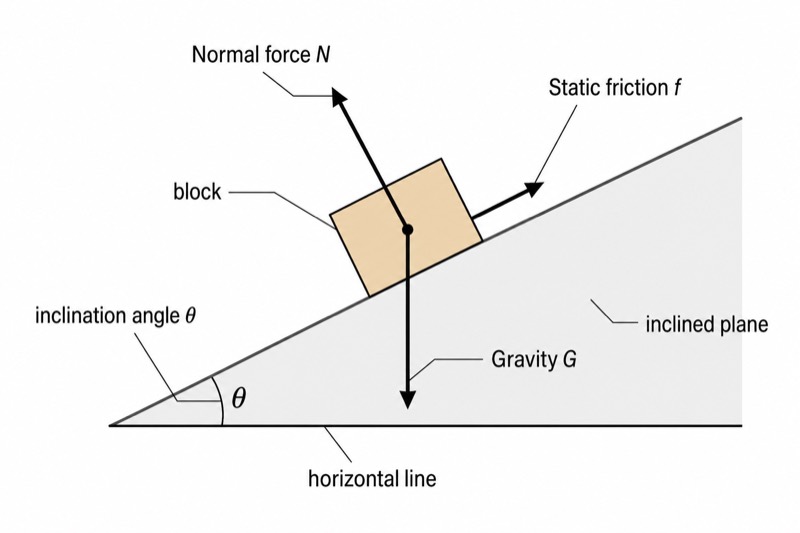
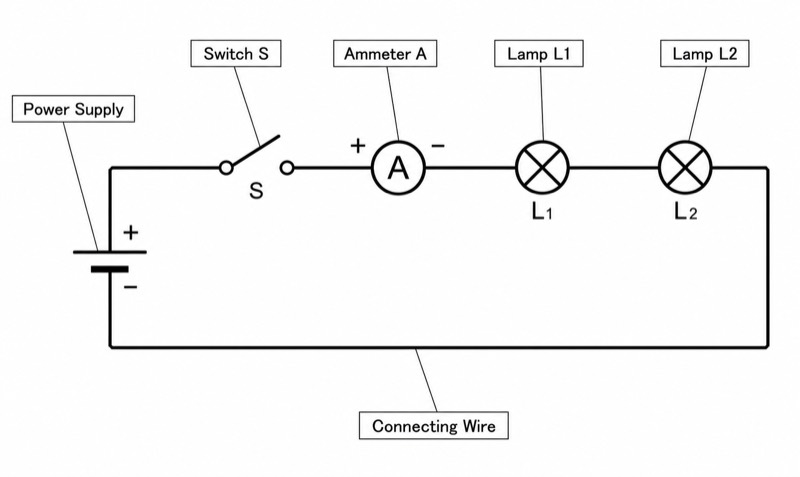
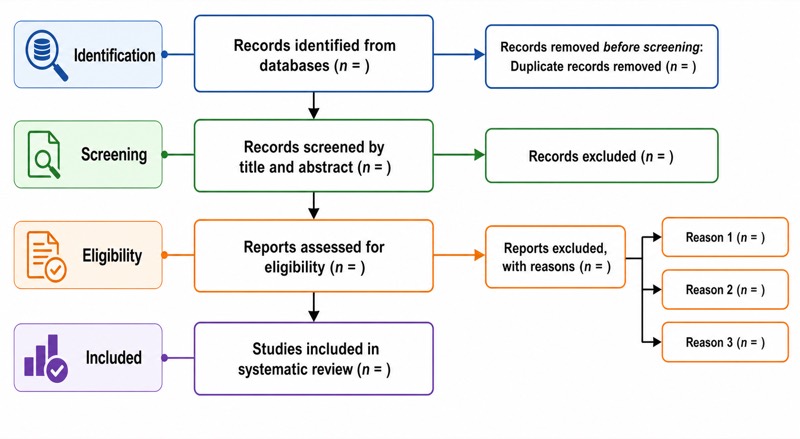
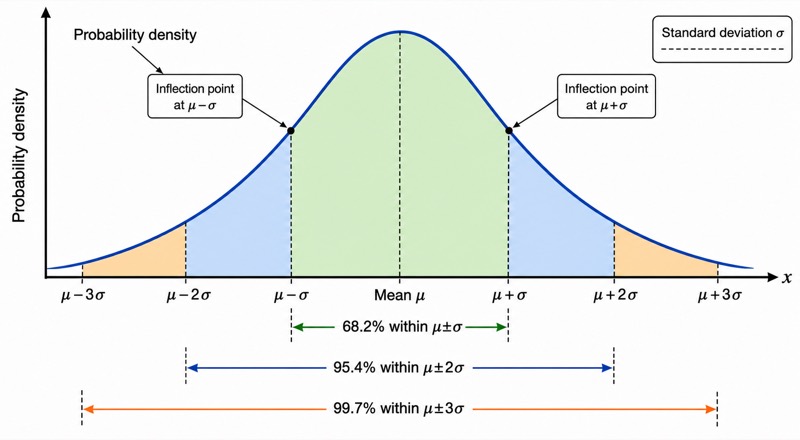
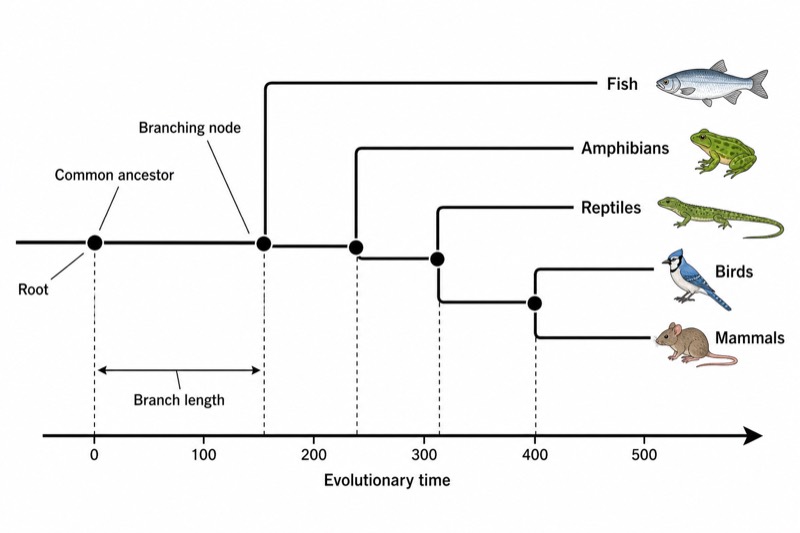
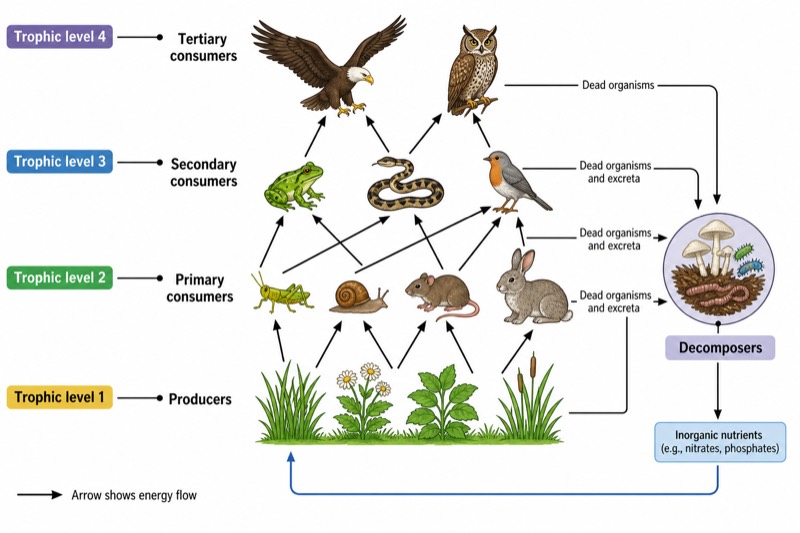
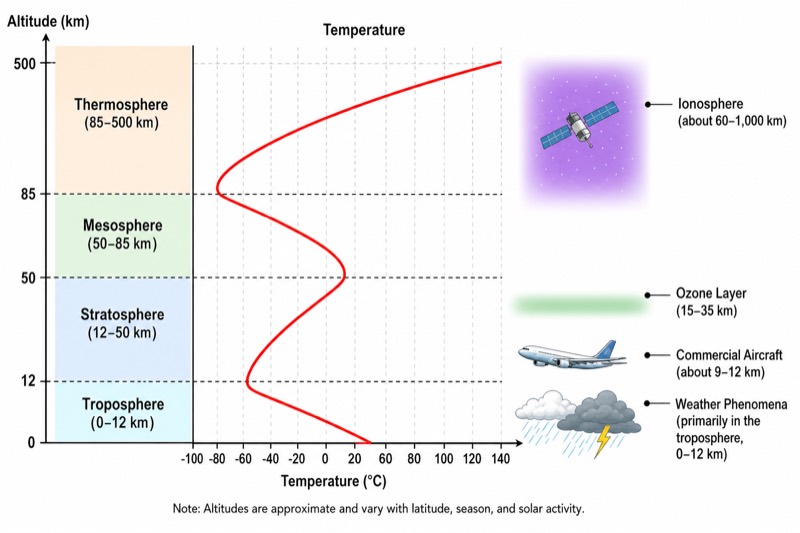
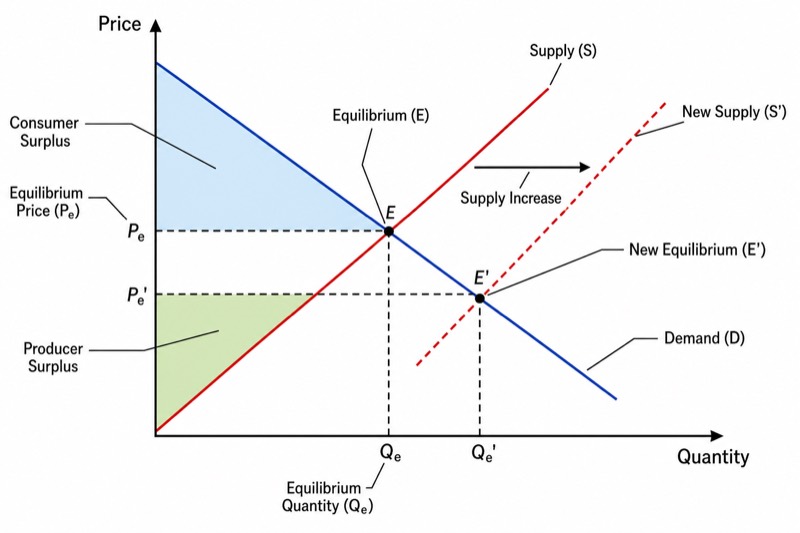
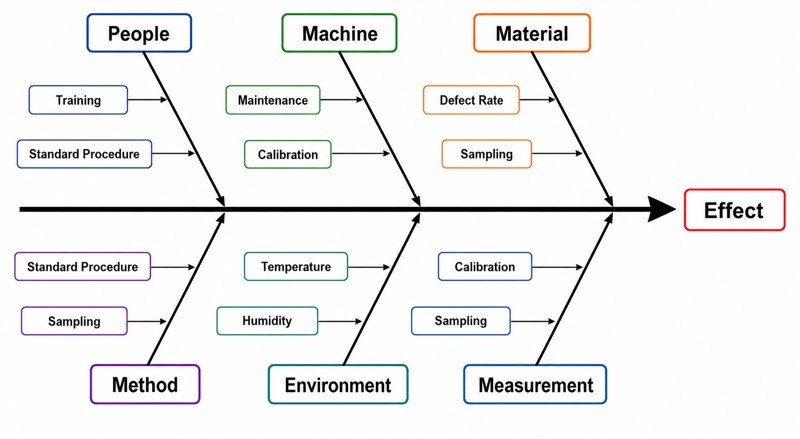
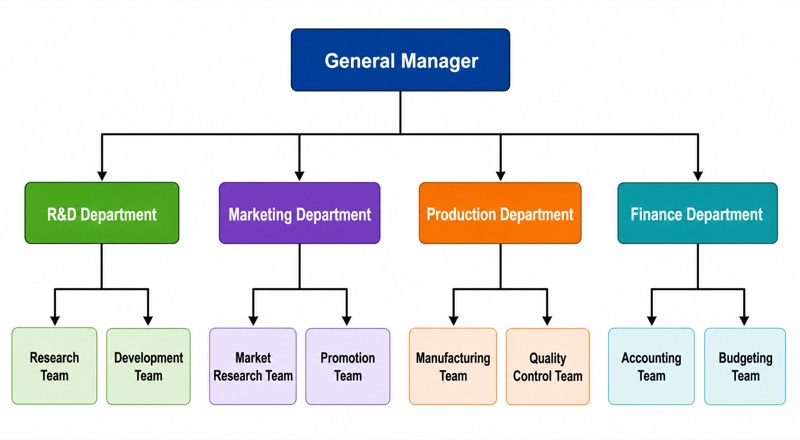
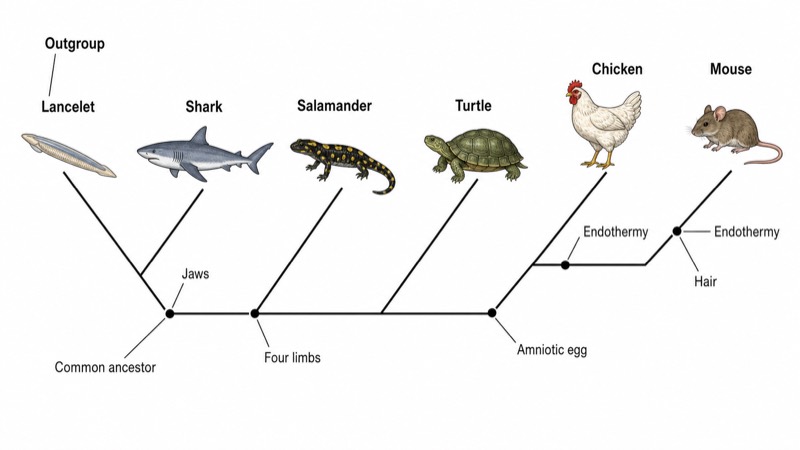
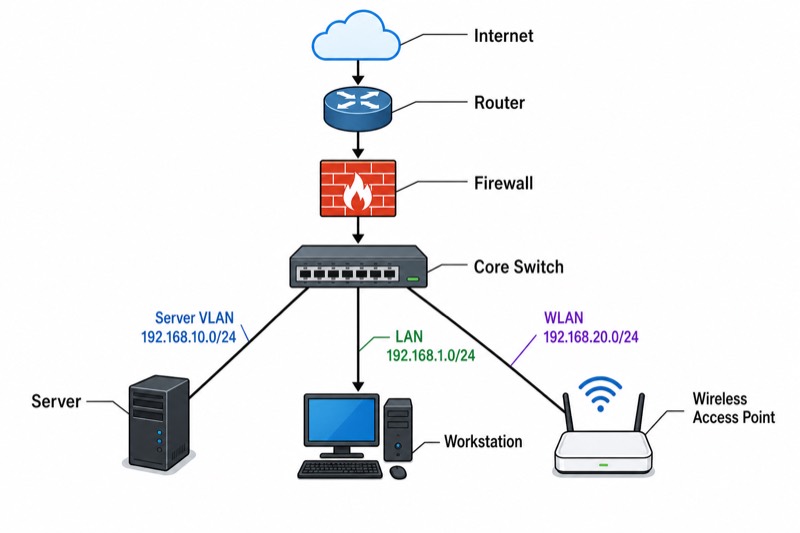
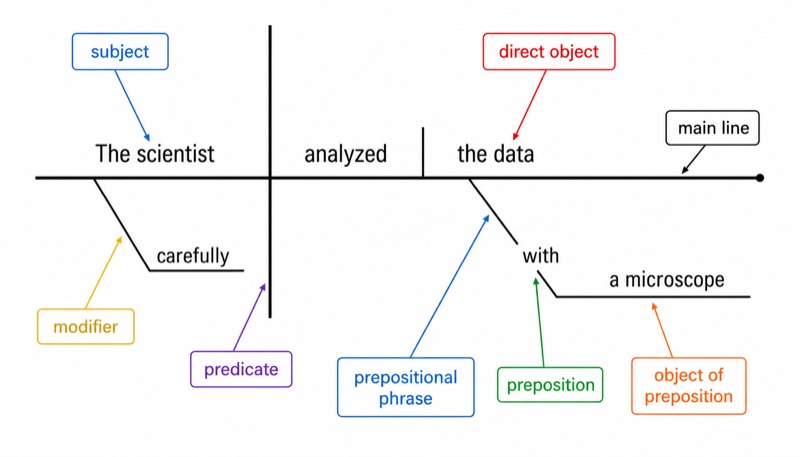
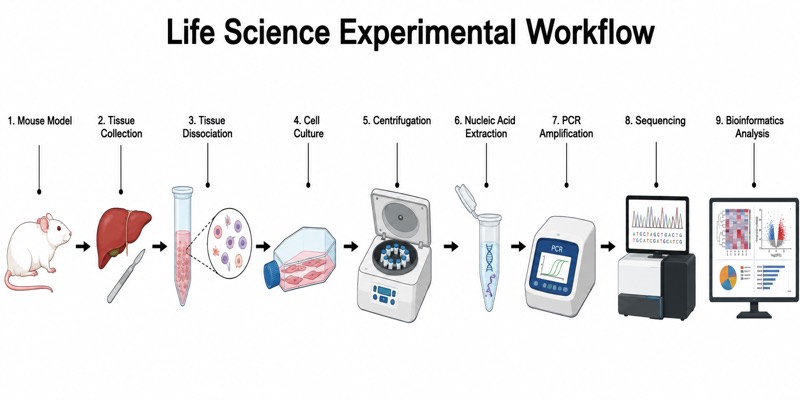
Pick a chapter, get a diagram
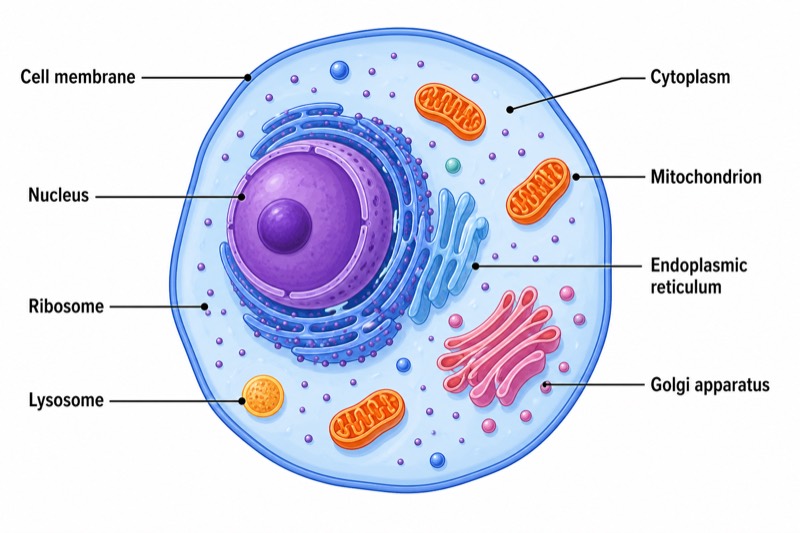
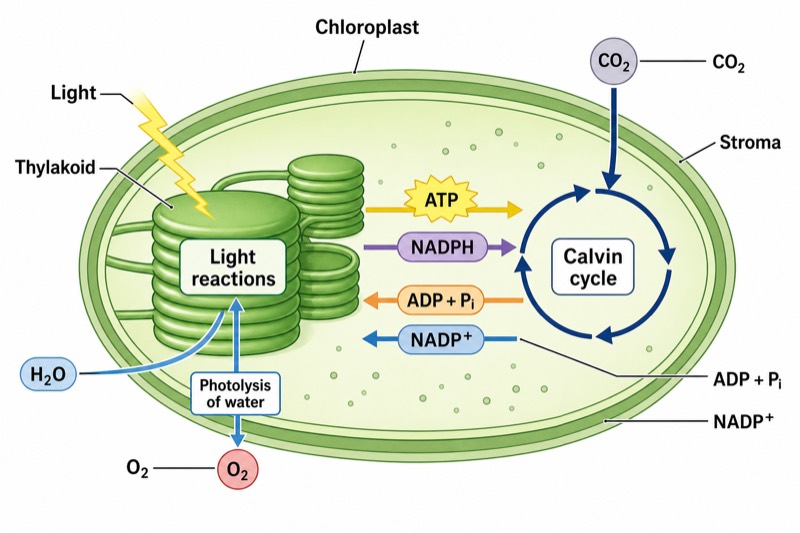
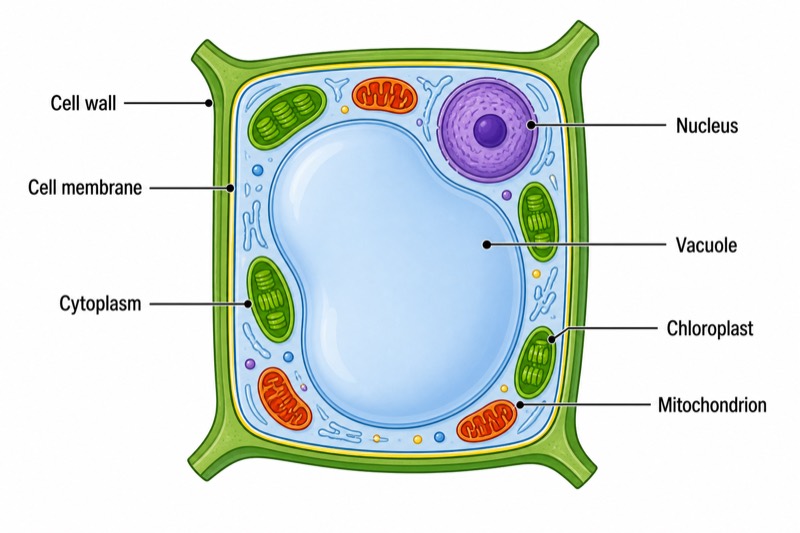
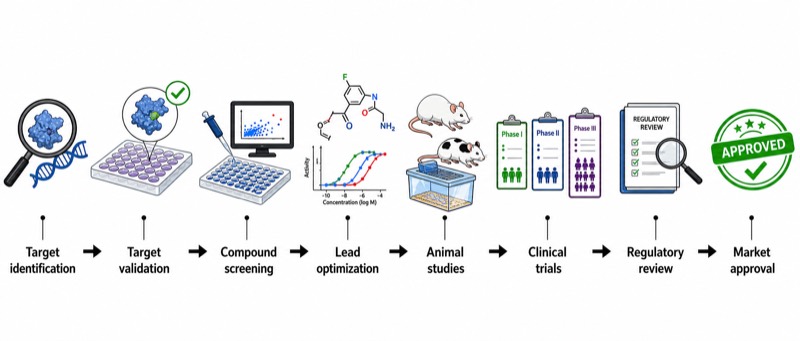
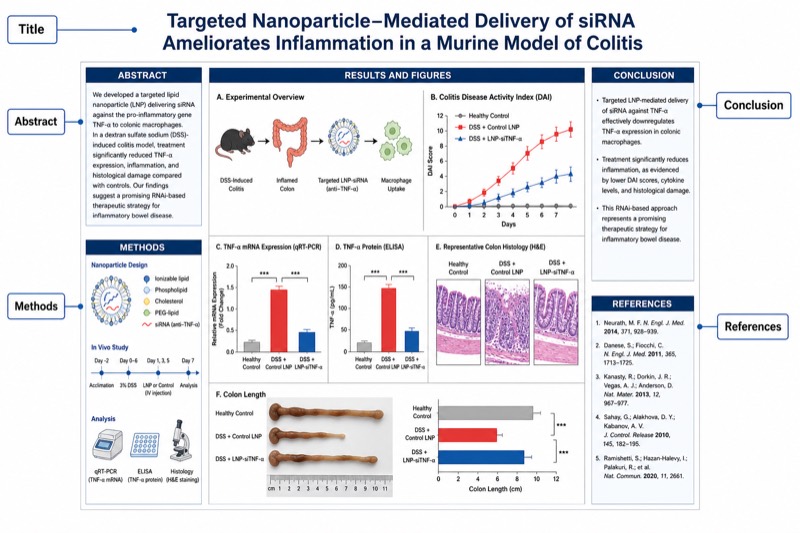
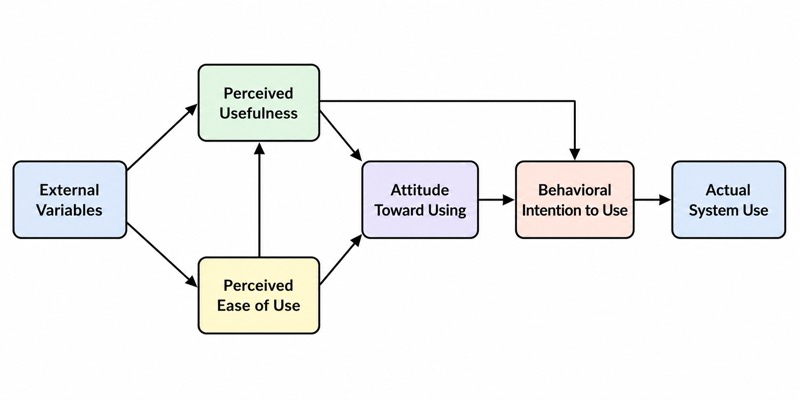
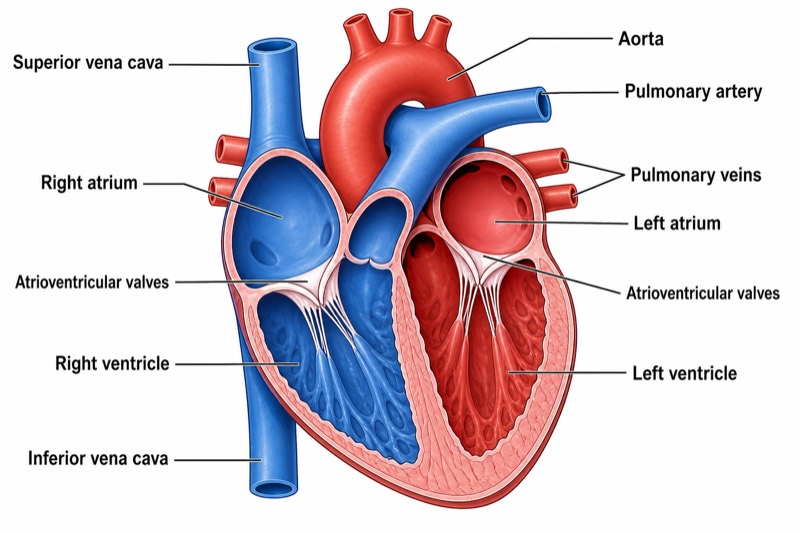
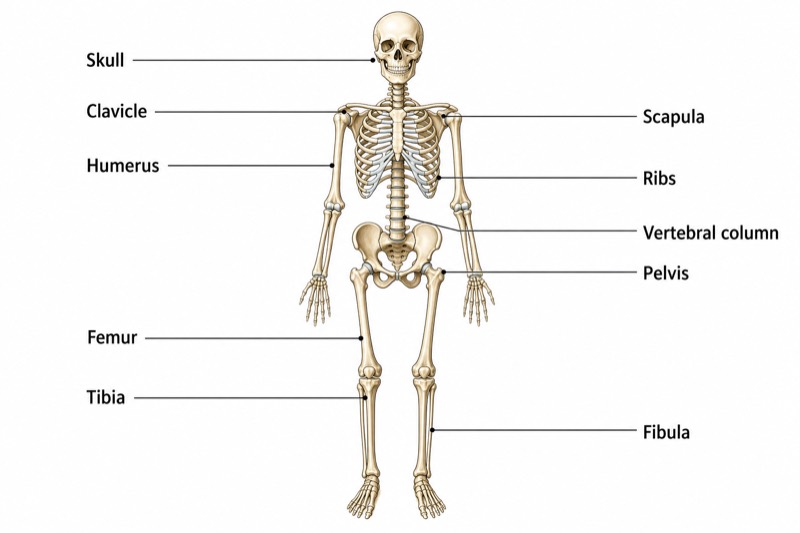
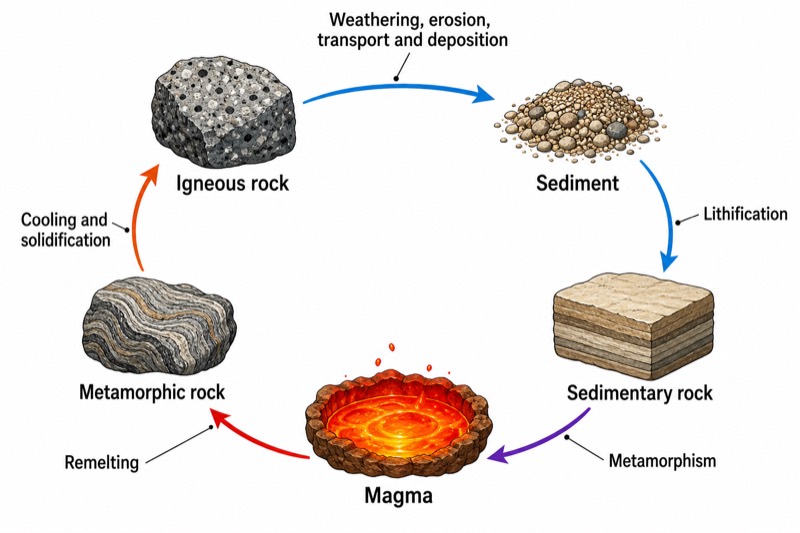
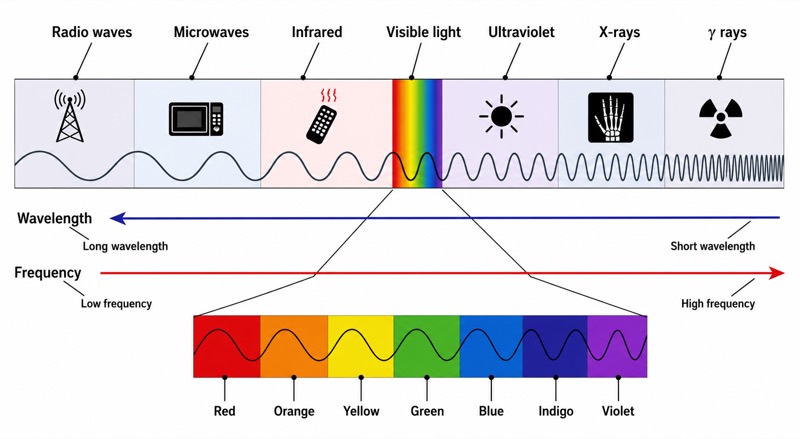
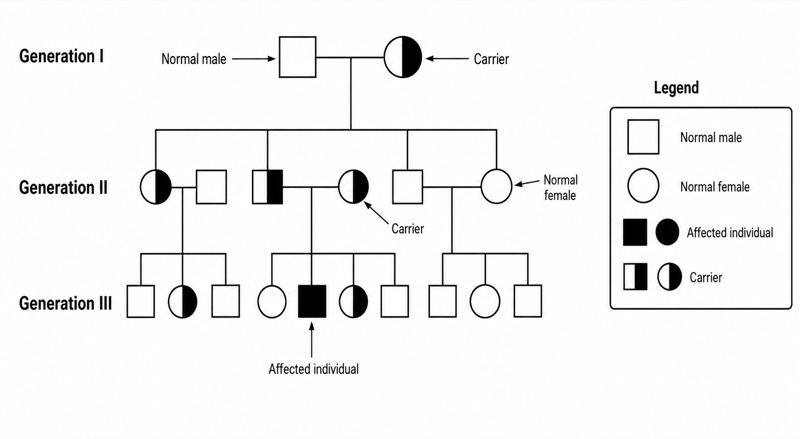
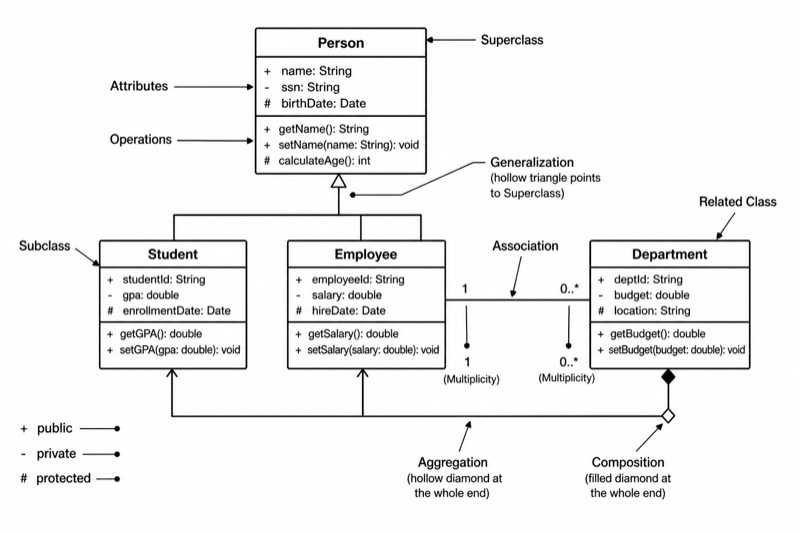
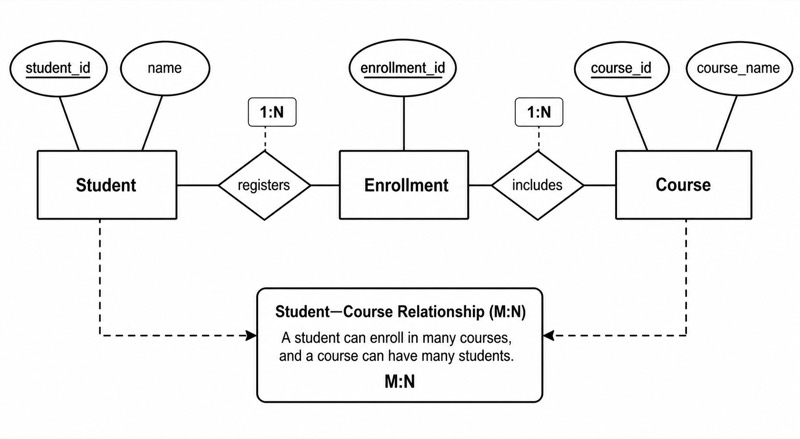
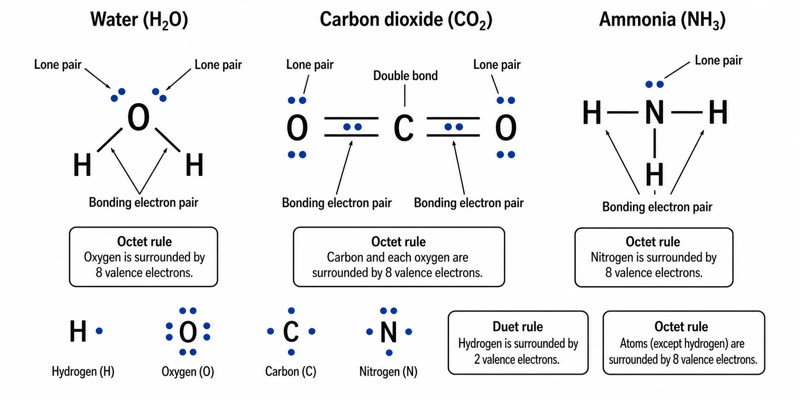
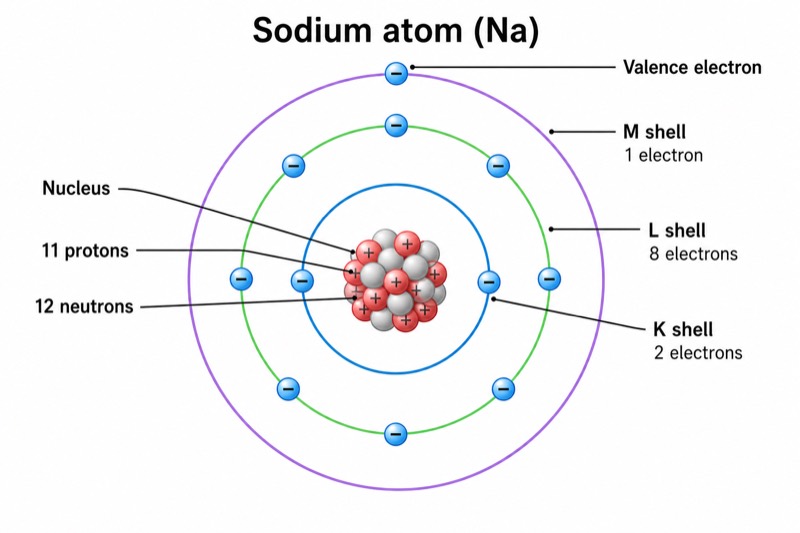
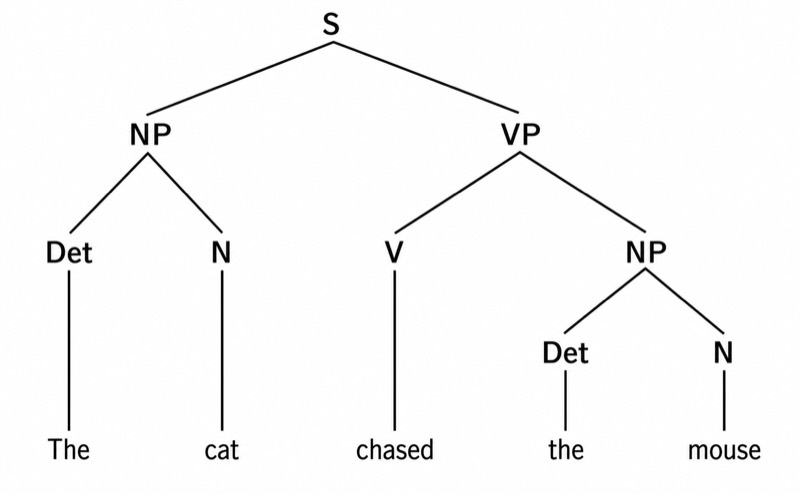
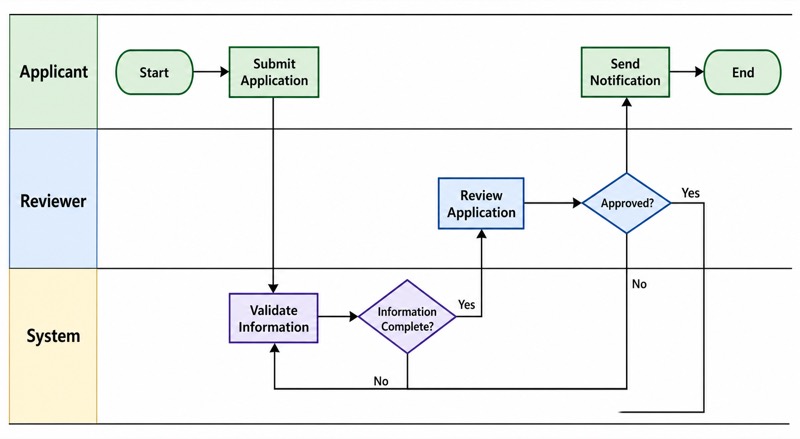
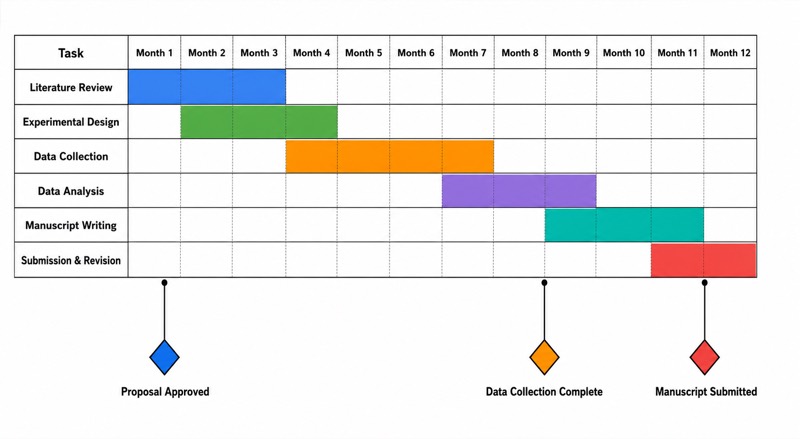
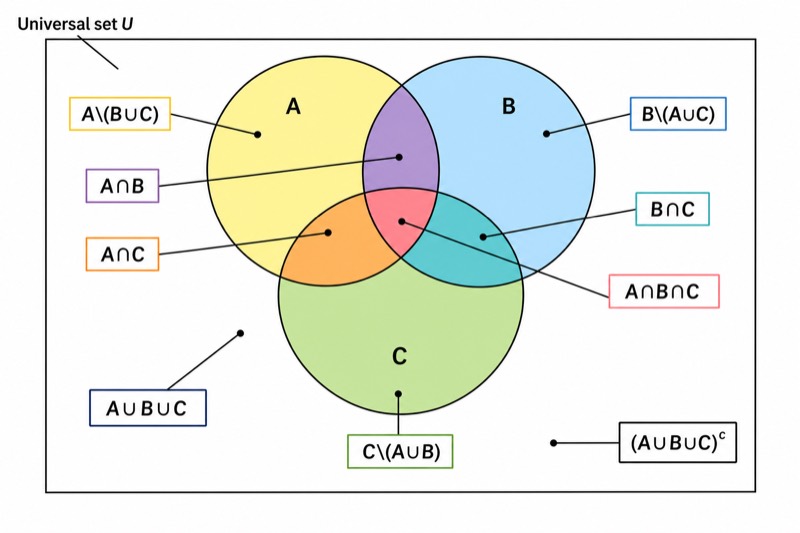
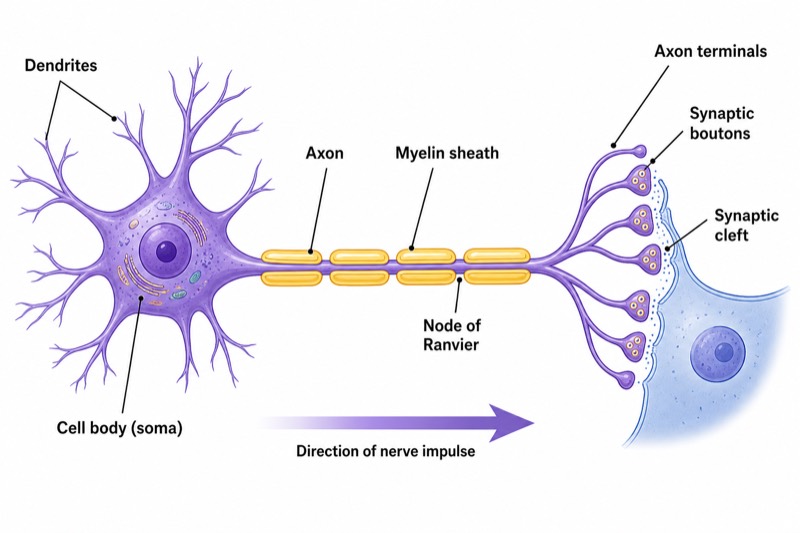
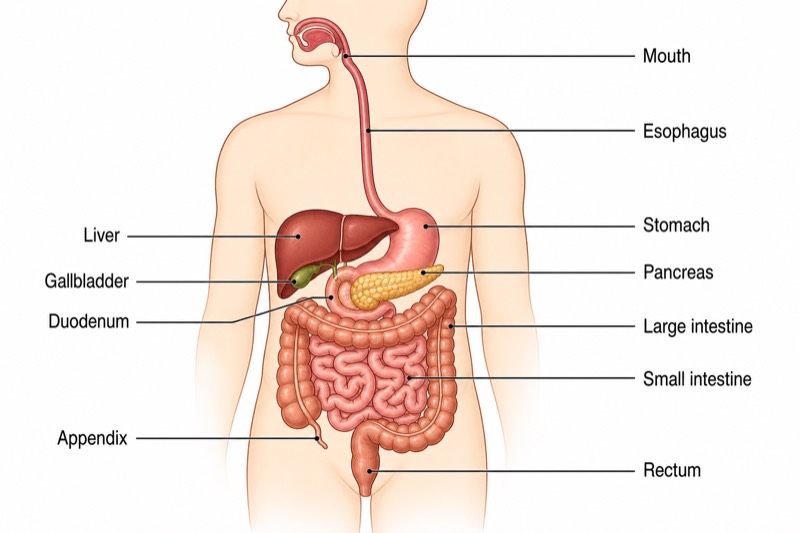
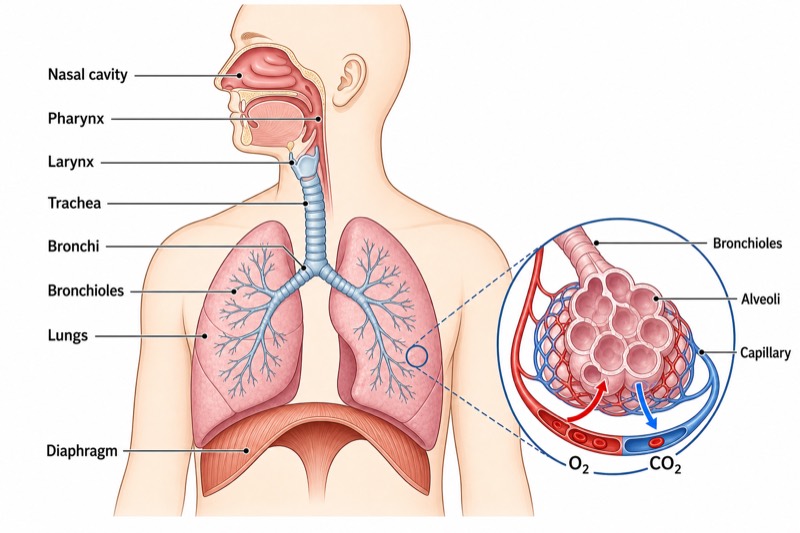
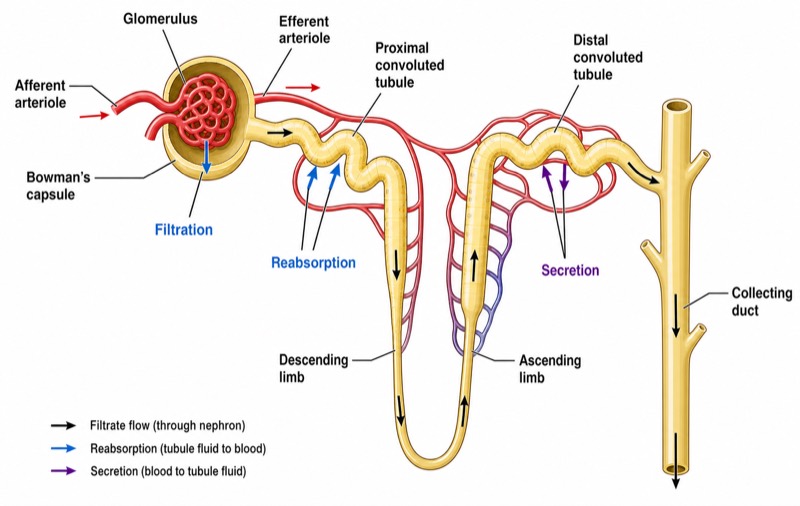
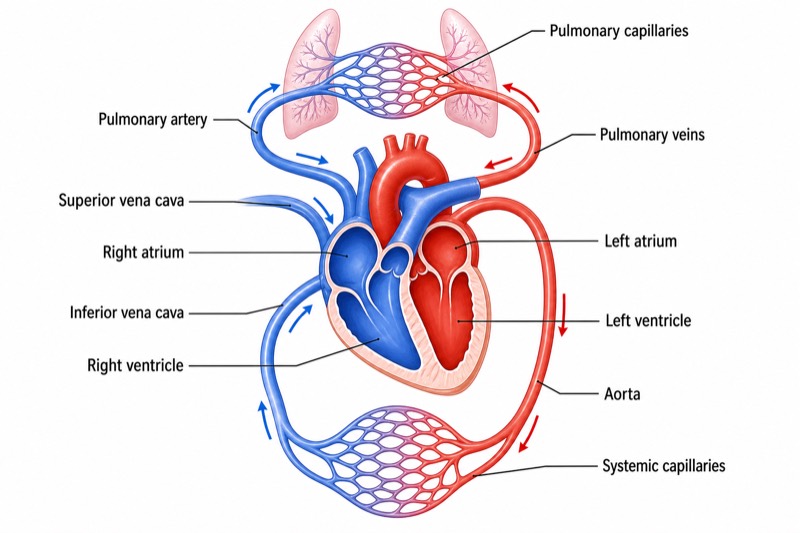
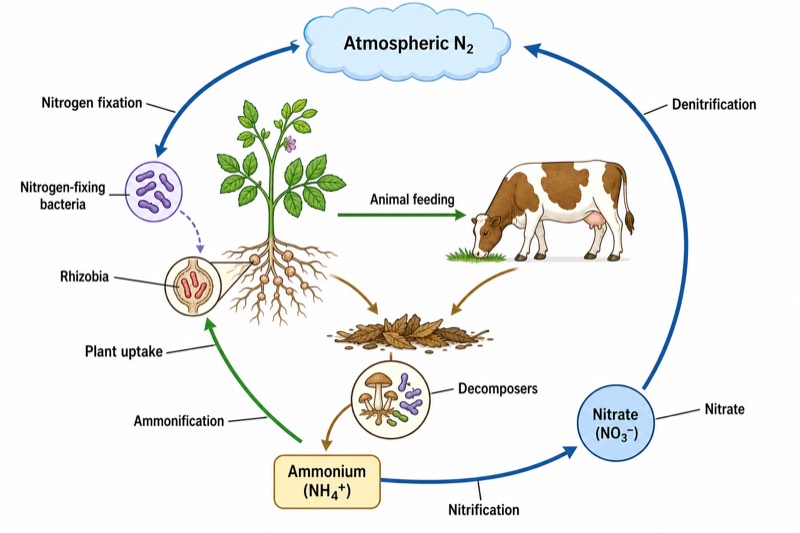
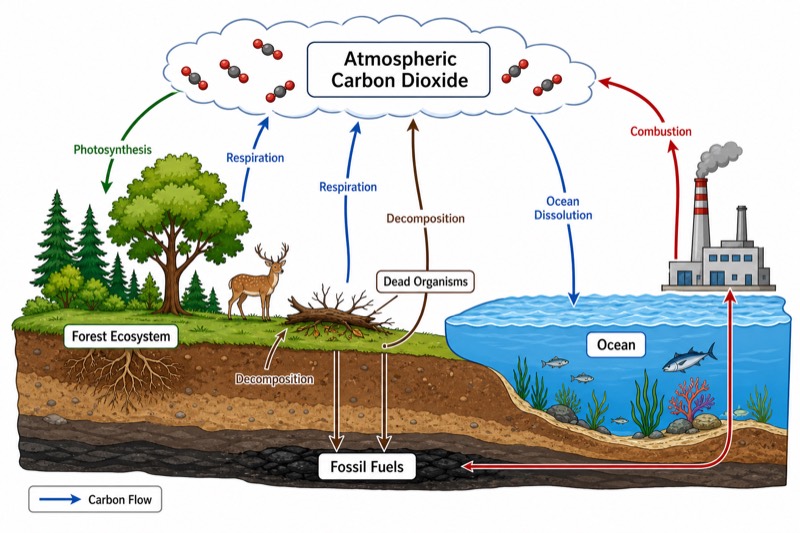
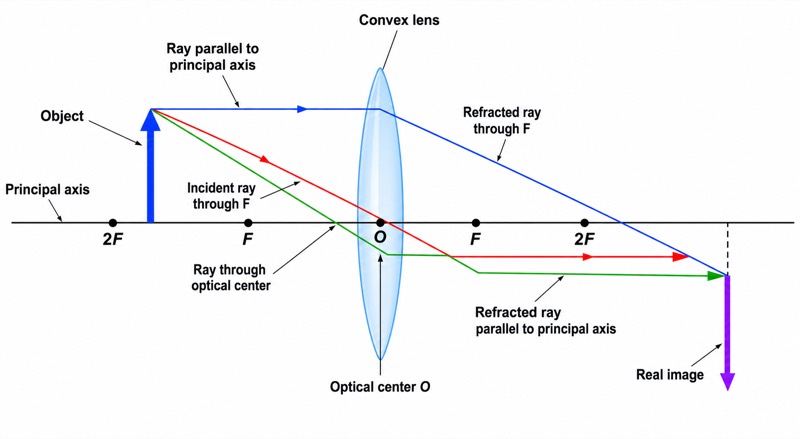
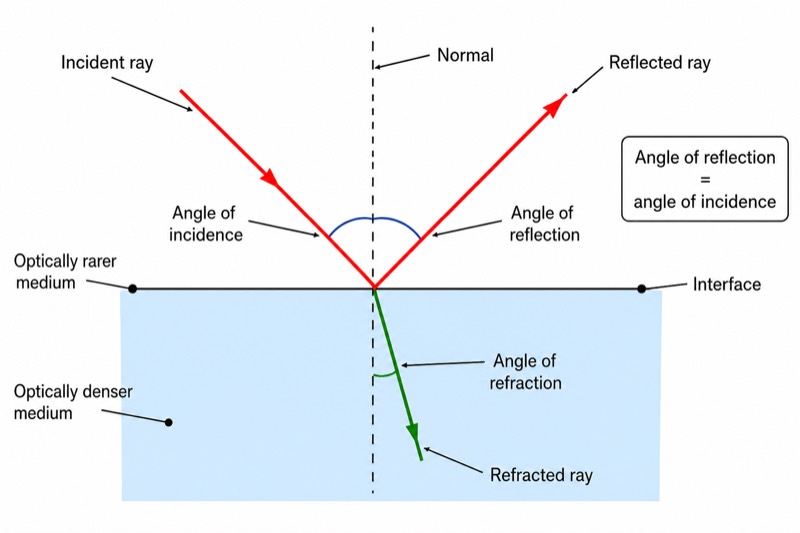
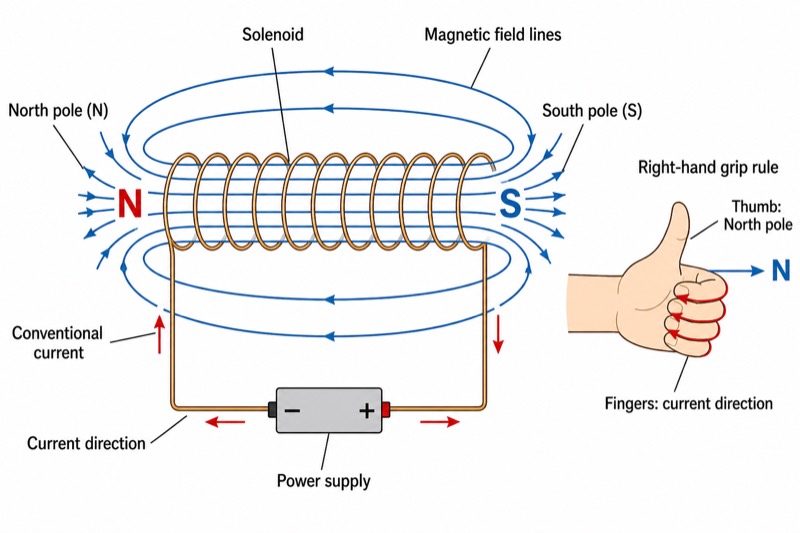
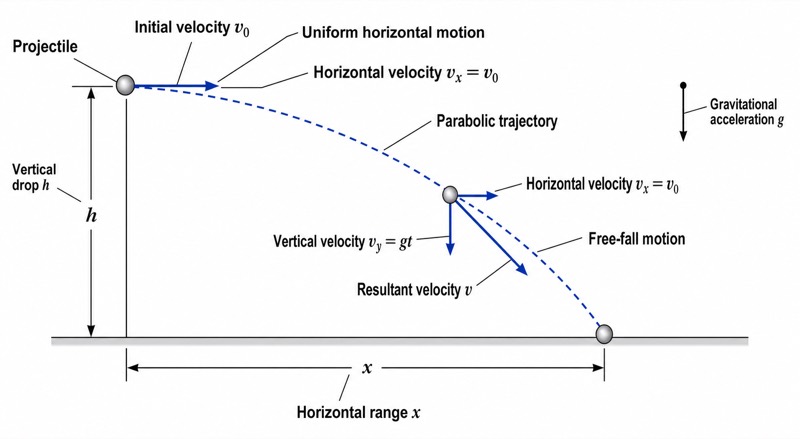
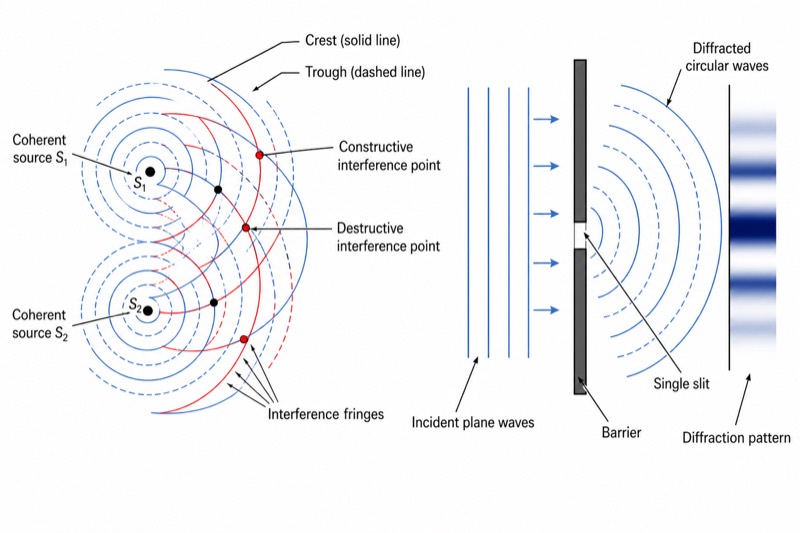
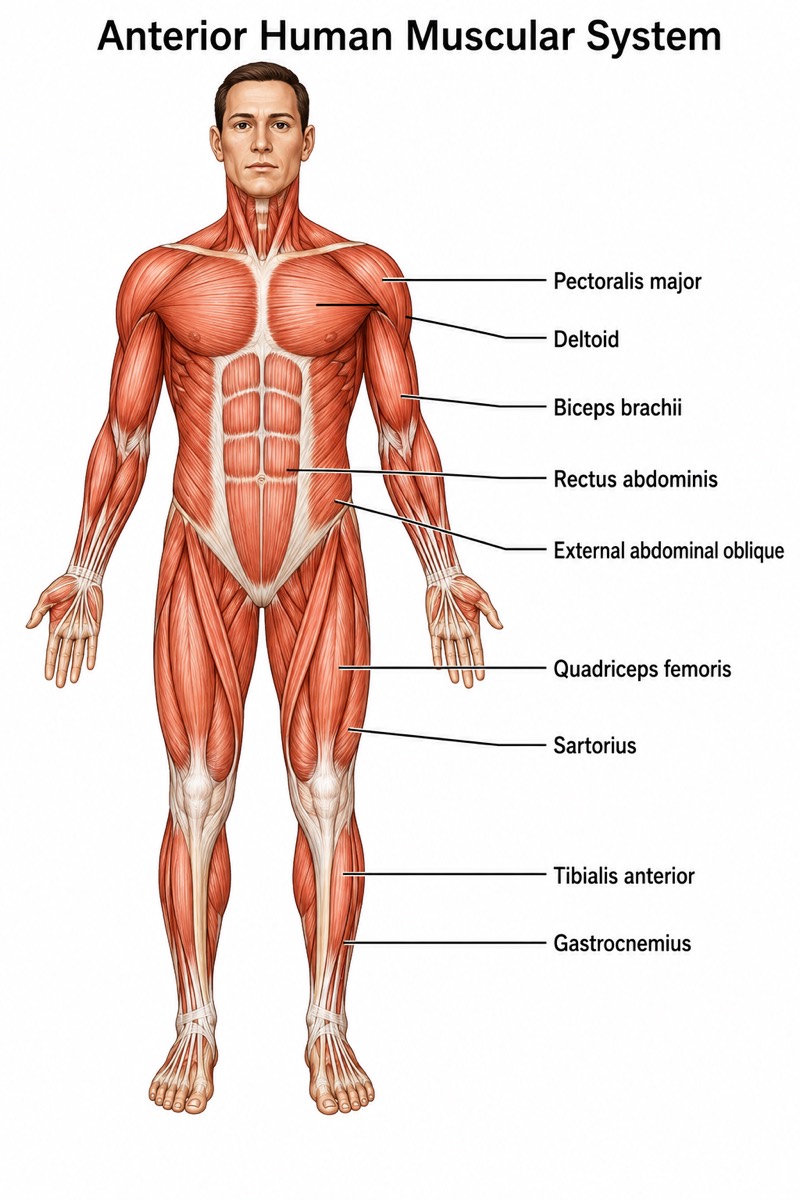
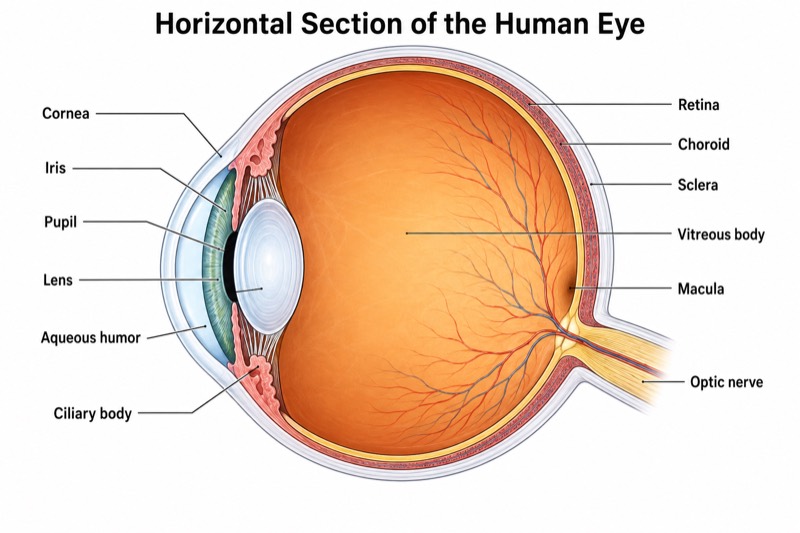
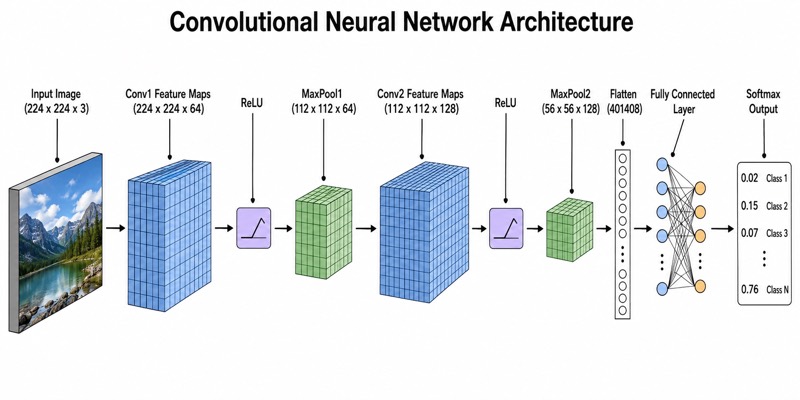
Three steps from concept to slide
Pick a preset or describe
Choose a subject & grade preset, or type e.g. “convex lens ray diagram, object between F and 2F”.
AI plans, then draws
The AI first lists the must-have labels (nothing missing), then renders a textbook-style diagram.
Edit text, download, teach
OCR every label and fix any of them without re-rolling; download PNG straight into PowerPoint or Google Slides.
Frequently asked questions
Is Science Diagram free?
Yes — Science Diagram is free while in beta. Each account can create 8 diagrams per day for free (an edit counts as one), and each diagram takes about 2 minutes. Need more? Join our Telegram group and ask the maintainer.
Which languages are supported?
The interface and diagram labels support 8 languages: English, 中文, Español, Português, Français, Deutsch, Русский and 日本語. Labels are rendered in the language you choose.
Can I edit the text inside a generated diagram?
Yes. The system detects every label in the image so you can edit them line by line, or circle an area with the brush and describe the change — only the marked part is repainted, the rest stays identical.
Can I use the diagrams in my slides or worksheets?
Yes. Diagrams download as 16:9 PNG files that drop straight into PowerPoint or Google Slides. Please verify AI-generated content before classroom use.
How accurate are the labels?
Before rendering, the AI plans a must-have label list based on the subject and grade level, so nothing essential is missing. Every sample on this site is a real, unedited output.
How long does it take to generate a diagram?
About 90 seconds. Text edits and partial repaints take a similar time, since only the changed part is regenerated.